Review notifications and scheduled jobs
Overview
Section titled “Overview”Notifications and reminders provide an in-application inbox and a separate Scheduled jobs view. Notifications are messages already available to you; scheduled jobs describe work that is due to be executed by the background worker.
Purpose
Section titled “Purpose”Acknowledge reminders and inspect the status of scheduled work.
Prerequisites
Section titled “Prerequisites”-
An authenticated account.
-
Current permission to read the referenced CRM record or scheduled source.
Procedure
Section titled “Procedure”-
Open Workspace > Notifications. Review the unread count and select the notification list.
-
Open a notification’s source record where a link is available. Mark it read after reviewing its message, or dismiss it using the available control.
-
Open Scheduled jobs to inspect pending work and execution status.
-
Where your role and job state allow it, reschedule or cancel the job through its dedicated action.
-
Refresh and verify the job’s next time or terminal status. For persistent failures, provide the job identity and safe error text to your administrator.
Expected result
Section titled “Expected result”Your notification inbox reflects what you have reviewed and scheduled work shows its current execution state.
Screenshots and diagrams
Section titled “Screenshots and diagrams”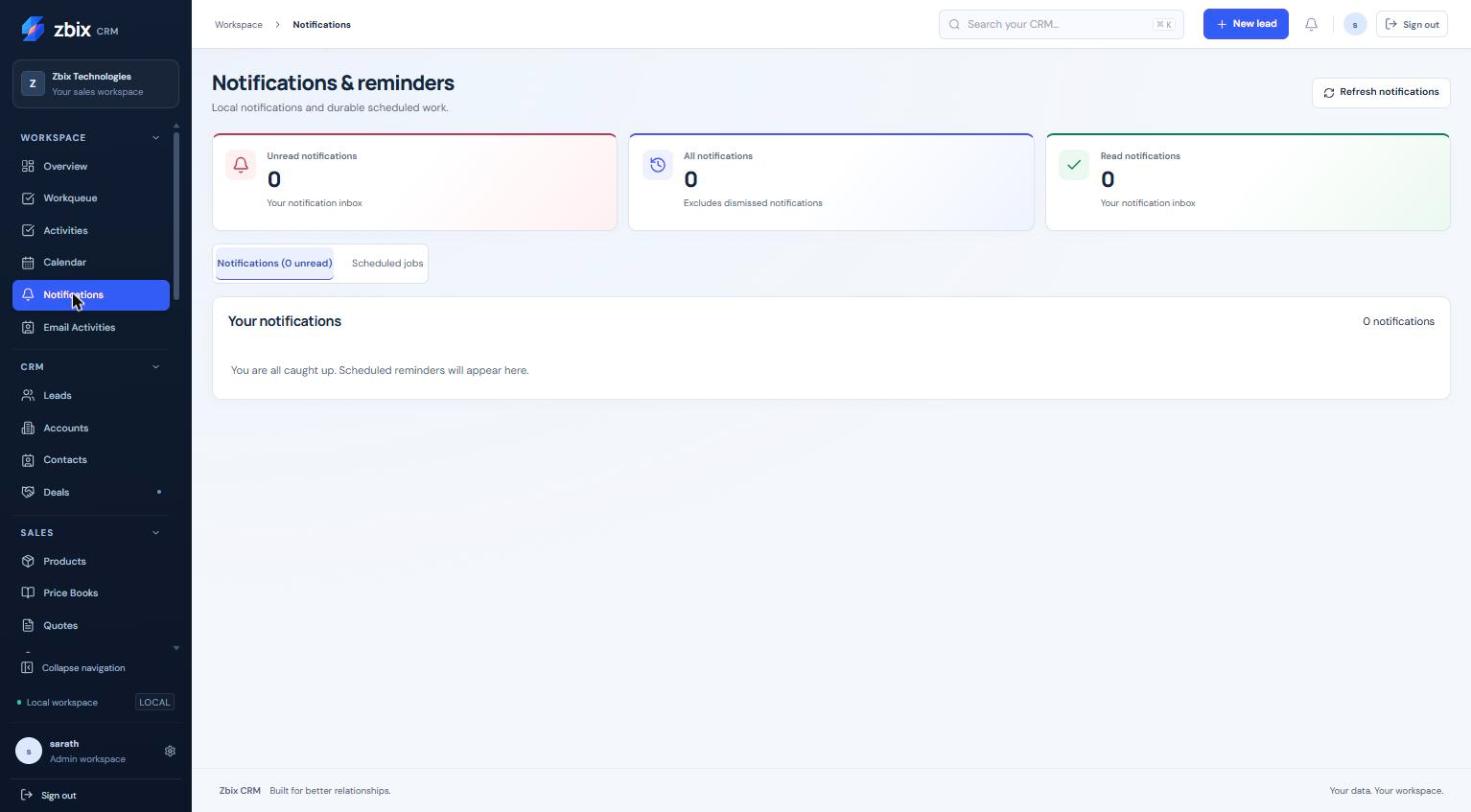
Important notes
Section titled “Important notes”-
The captured inbox is empty; this is an example state, not evidence that notifications are unsupported.
-
Scheduled execution rechecks current permissions and recipient availability.
-
Daily/weekly interval jobs and business-calendar-based sales automation have different time semantics; follow the settings of the relevant rule.
Troubleshooting
Section titled “Troubleshooting”-
A notification cannot open its record: access may have changed since creation.
-
A scheduled job is overdue: check worker processing through the administrator.
-
A cancelled job still has history: cancellation preserves earlier execution evidence.
Related articles
Section titled “Related articles”Search the guides or talk to the ZBIX team.


Software products, application engineering and IT services from Zbix Technologies.
Visit our company website ↗