Business Calendars
Overview
Section titled “Overview”Business Calendars define working intervals in an IANA timezone, holidays, closures and dated exceptions. Sales cadences and SLA policies reference a published calendar version so their deadlines remain reproducible.
Purpose
Section titled “Purpose”Use a calendar when a response commitment or follow-up delay should count working time rather than elapsed clock time.
Prerequisites
Section titled “Prerequisites”-
Sales automation is enabled and the user can manage Workflows.
-
Choose the organization’s approved working timezone and intervals before publishing.
Procedure
Section titled “Procedure”-
Open Automation > Business Calendars and select Create calendar. Enter Name and IANA timezone.
-
Enter Minutes per business day for calculations expressed in business days. Optionally set Effective from and Effective until; the latter is inclusive.
-
For each weekday, use Add interval and enter Start and End in HH:MM format. Use Remove interval to make a day nonworking.
-
In Holidays and closures choose Closed date and Add closure. For a special working date, enter Exception start and Exception end and select Add working exception interval.
-
In Deadline preview, enter a Start timestamp with UTC offset and Business minutes, then select Preview deadline. Check Due and Next working time.
-
Select Save draft, Publish saved draft and Activate published version. In a cadence or SLA select the intended Calendar version explicitly. Review Version history before replacing an existing reference.
Expected result
Section titled “Expected result”The published calendar provides bounded, server-calculated working deadlines. Existing references remain tied to the selected version.
Screenshots and diagrams
Section titled “Screenshots and diagrams”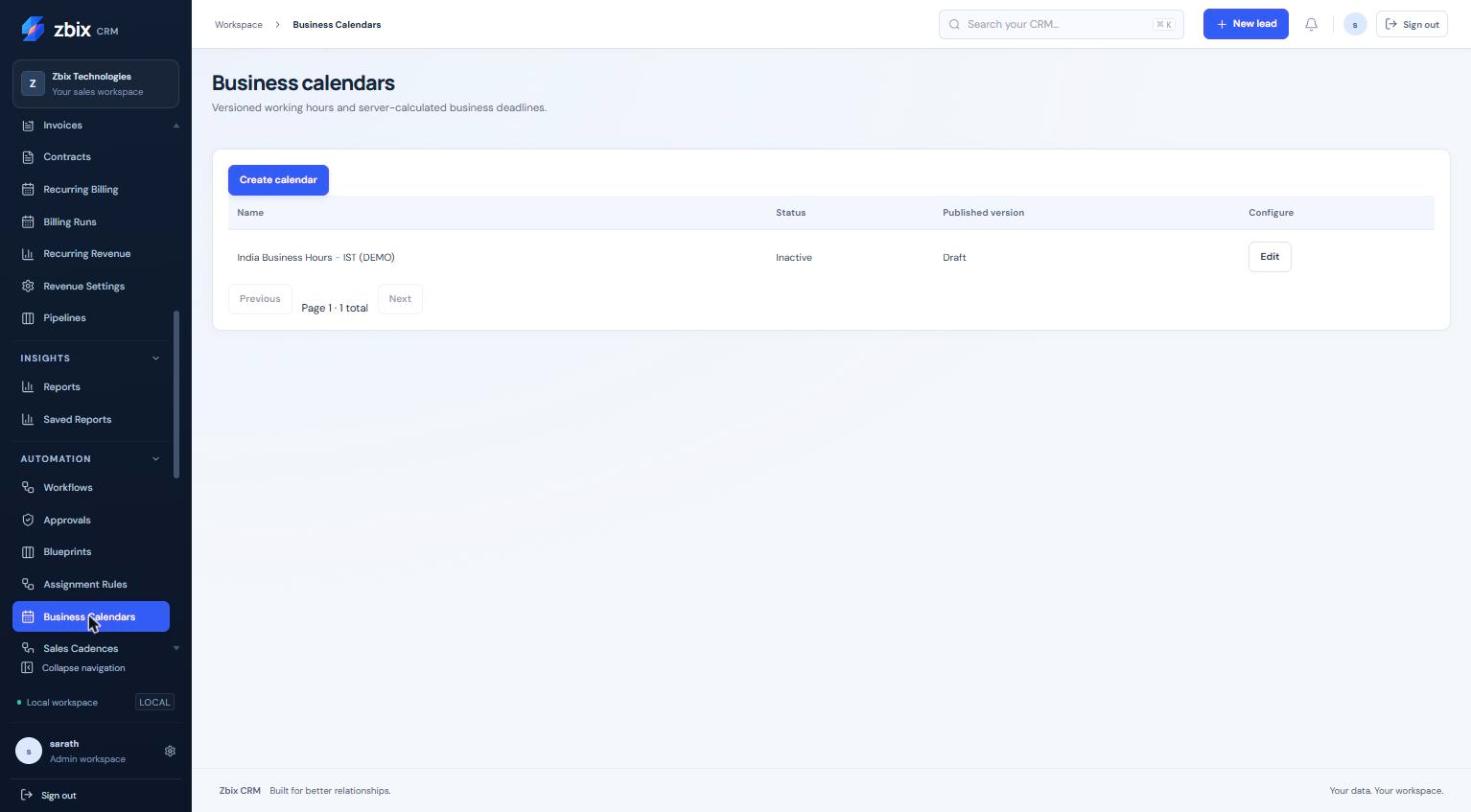
Important notes
Section titled “Important notes”-
Intervals must be ordered, nonoverlapping and contained in one local date. Split an overnight shift across its two dates.
-
At least one weekly working interval is required; at most eight intervals per date and 1,000 exceptions are accepted.
-
Minutes per business day must be 1–1,440. The calendar calculation horizon is ten years.
-
Dated exceptions replace that date’s weekly schedule. No automatic public-holiday feed or inferred team/user calendar is provided.
-
The default editor values are examples to review, not a statement of the organization’s business hours.
Troubleshooting
Section titled “Troubleshooting”-
Unknown timezone: use a valid IANA identifier such as Africa/Kampala.
-
No working instant or deadline exceeds horizon: check effective dates, closures and available weekly intervals.
-
Unexpected deadline across a clock change: inspect the timezone and actual working intervals; calculations resolve local boundaries to actual instants.
Related articles
Section titled “Related articles”Search the guides or talk to the ZBIX team.


Software products, application engineering and IT services from Zbix Technologies.
Visit our company website ↗