Escalation Rules
Overview
Section titled “Overview”Escalation Rules attach ordered task or notification levels to a published SLA version. Thresholds can occur before, at or after the SLA deadline, measured in business minutes.
Purpose
Section titled “Purpose”Use escalation for due-soon reminders and missed-response follow-up to the record owner or a named authorized colleague.
Prerequisites
Section titled “Prerequisites”-
An SLA policy has a published version for the same module.
-
Sales automation is enabled and the configuration user can manage Workflows. Recipients must remain authorized and active.
Procedure
Section titled “Procedure”-
Open Automation > Escalation Rules and select Create escalation. Enter Name and Module.
-
Choose the exact SLA version to monitor.
-
For each level choose Create task or In-app notification and enter Title and Business minutes after deadline. A negative offset is a reminder before the deadline; zero is at the deadline.
-
Select Escalation recipient as Current record owner or a named user. Use Add level, Move up and Remove to keep the thresholds in increasing order.
-
Select Save draft, Validate saved draft, Publish saved draft and Activate published version.
-
Inspect the related SLA or sales automation History after a threshold is due. Open generated tasks and review notifications through their normal modules.
Expected result
Section titled “Expected result”The runtime records escalation outcomes against the pinned SLA/definition and avoids duplicate internal actions for the same scheduled effect.
Screenshots and diagrams
Section titled “Screenshots and diagrams”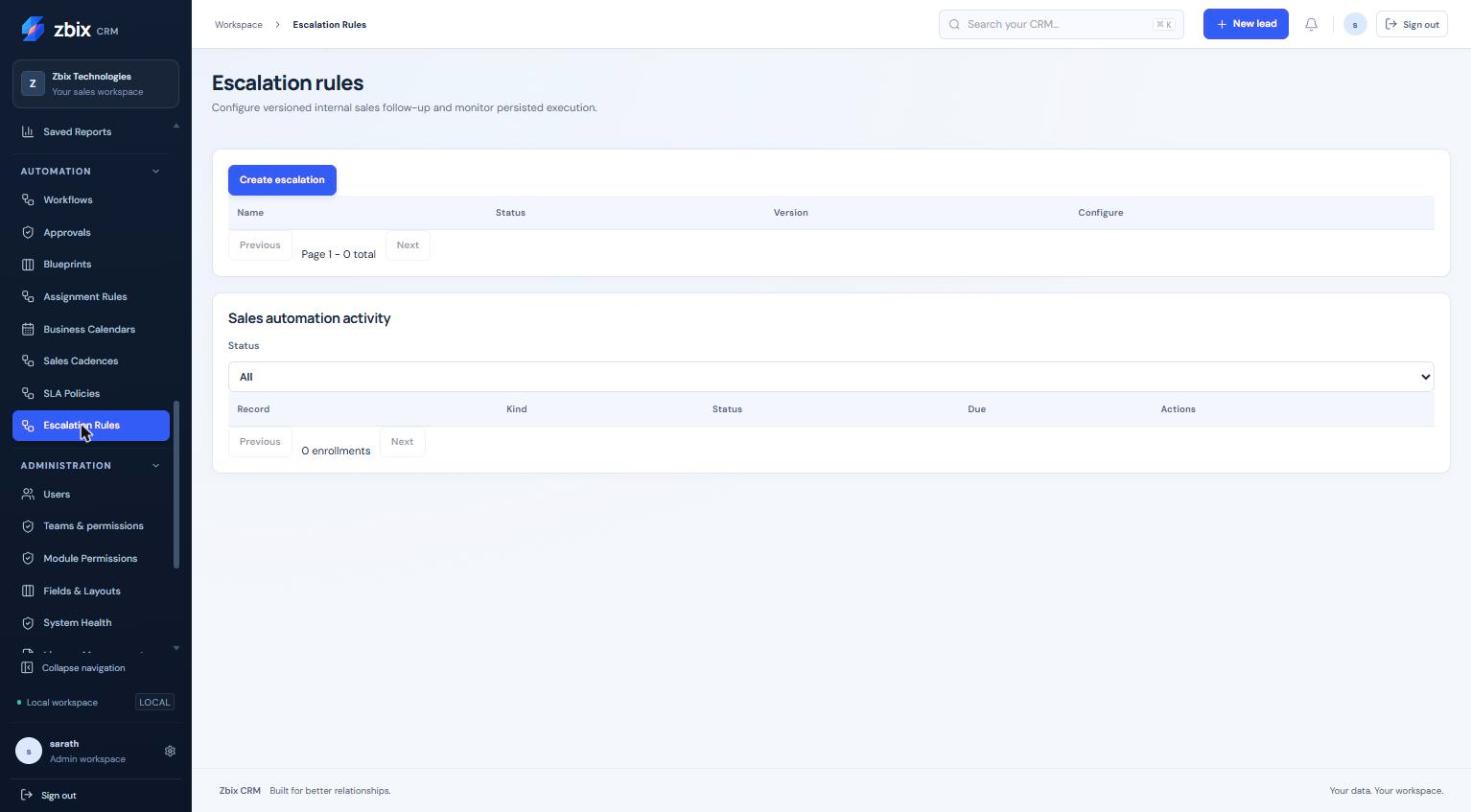
Important notes
Section titled “Important notes”-
A rule contains 1–10 levels. Thresholds must be unique and ordered, between -525,600 and 525,600 minutes.
-
A negative reminder cannot precede the SLA’s start. The selected SLA module must match the rule module.
-
Named recipients are available in the current editor. No manager hierarchy or role fan-out is inferred.
-
An empty rule list in the screenshot is a genuine unconfigured state, not evidence that the feature lacks an implementation.
Troubleshooting
Section titled “Troubleshooting”-
Validation rejects thresholds: remove duplicate offsets, order them ascending and ensure reminders fall after SLA start.
-
Delivery is absent: inspect the instance status, worker history, current recipient permissions and whether the SLA was already met or cancelled.
-
SLA version is not listed: publish the SLA and verify configuration visibility first.
Related articles
Section titled “Related articles”Search the guides or talk to the ZBIX team.


Software products, application engineering and IT services from Zbix Technologies.
Visit our company website ↗