Assignment Rules
Overview
Section titled “Overview”Assignment Rules distribute new Leads and Deals to authorized representatives. Named-user, ordered round-robin and team round-robin strategies are supported. A rule can run on record creation or through an explicit reassignment command.
Purpose
Section titled “Purpose”Use assignment rules for consistent intake ownership while keeping explicit record owners authoritative.
Prerequisites
Section titled “Prerequisites”-
Sales automation is enabled. Configuration requires Workflows management access and assign/view access to the target module.
-
Recipients belong to the same organization; a team strategy requires an active team. Runtime allocation checks current eligibility.
Procedure
Section titled “Procedure”-
Open Automation > Assignment Rules and select Create rule.
-
Enter Name and choose Module. Set Priority (lower first). Select Named user, Round-robin or Team round-robin.
-
For a named user, select one recipient. For round-robin, select recipients in allocation order. For a team, choose Team.
-
Choose Record created or Explicit reassignment command as Trigger. Add Eligibility conditions when the rule should target only part of the intake.
-
Select Save draft, Publish saved draft and Activate published version. Use Preview published allocation order to inspect the pool without allocating a record.
-
For a manual rule, open a Lead or Deal and use Apply manual assignment rule in Assignment history. Review the previous owner, new owner, rule version and result.
Expected result
Section titled “Expected result”The first matching rule by priority assigns the record to an eligible recipient. Assignment history records committed outcomes.
Screenshots and diagrams
Section titled “Screenshots and diagrams”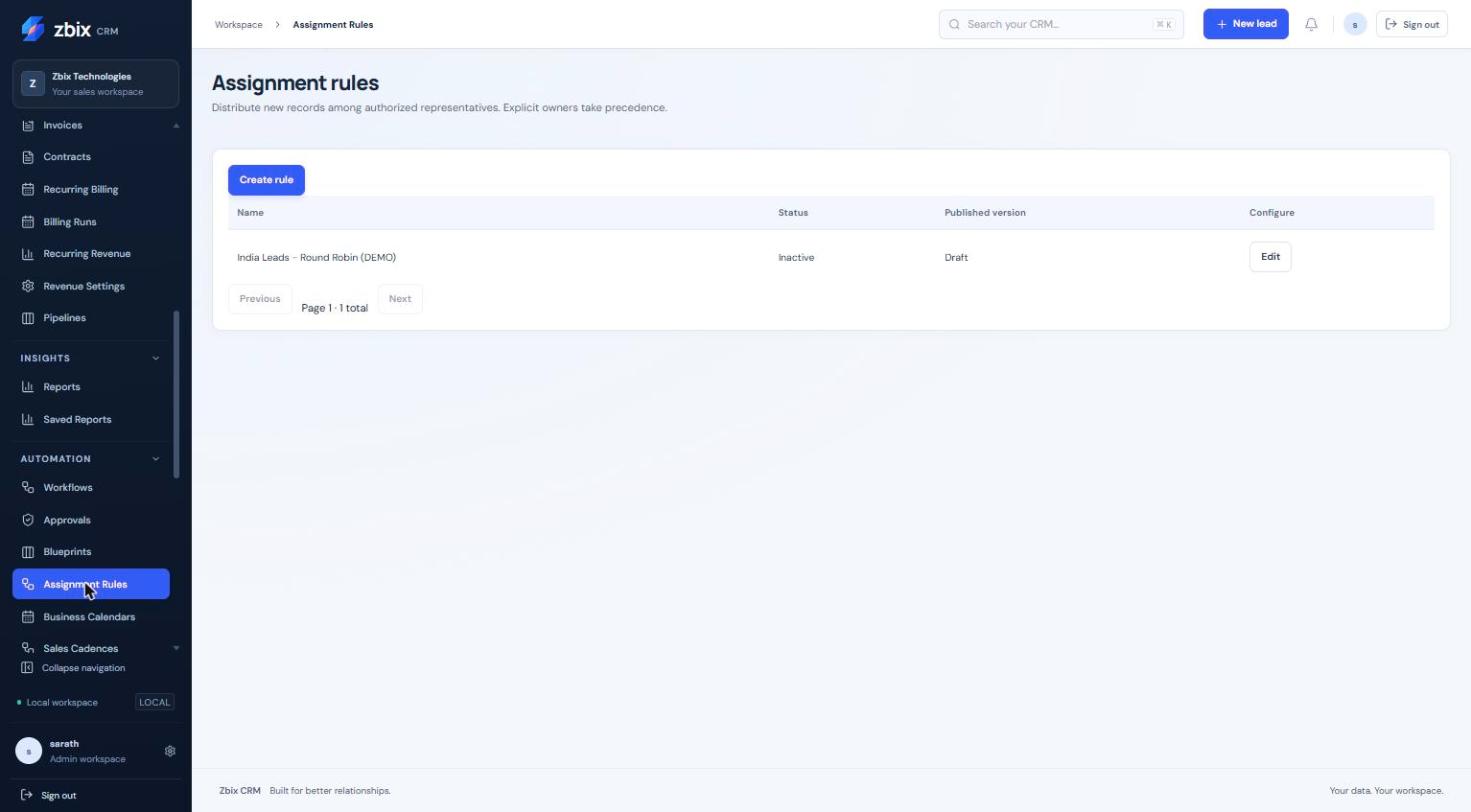
Important notes
Section titled “Important notes”-
Explicit owners take precedence. If nobody qualifies, the configured fallback retains the existing owner; this does not create an unassigned queue.
-
Priority ranges from 0 to 10,000. Duplicate recipients are rejected; a named strategy requires exactly one user and round-robin requires a nonempty pool.
-
No weighted, workload-aware or availability-based routing is claimed. A preview is not a committed allocation.
-
Module is fixed after the initial save. Published versions are retained separately from draft edits.
Troubleshooting
Section titled “Troubleshooting”-
Unexpected owner: check whether creation specified an owner, rule priority and the matching condition set.
-
No recipient qualifies: review active team membership, module grants and record visibility, then inspect the rule version.
-
Conflict on manual assignment: reload the record so the command uses its current version.
Related articles
Section titled “Related articles”Search the guides or talk to the ZBIX team.


Software products, application engineering and IT services from Zbix Technologies.
Visit our company website ↗