Billing Runs
Overview
Section titled “Overview”Billing Runs lists persisted charge periods and worker execution results. Run status, execution status and attempts describe the processing state, while a linked Invoice is the resulting commercial document.
Purpose
Section titled “Purpose”Use this list to trace recurring billing, inspect failures and queue eligible work without creating an unrelated duplicate invoice.
Prerequisites
Section titled “Prerequisites”-
The user has Billing view permission and current agreement/customer access.
-
Queueing or retry requires Billing approve. The configured billing operator must retain the invoice permissions required by the schedule’s mode.
Procedure
Section titled “Procedure”-
Open Sales > Billing Runs. Use Run status to filter Pending, Draft Generated, Awaiting Review, Approved, Issued, Voided, Failed, Skipped or Cancelled.
-
Check Agreement / customer, Period, Due, Amount, Status and Attempts. Open the agreement or customer to review the source.
-
Select Execution history to see each attempt’s outcome, message and time. Distinguish No worker attempt yet from a failed attempt.
-
If an invoice exists, select Open Invoice and complete the normal authorized invoice review, issue, PDF or payment-record procedure.
-
For a run without an invoice, correct the documented eligibility or permission issue before using Queue eligible run.
-
From an agreement’s Billing tab, select Preview billing group. Review the customer, currency, service period, invoice date/due date, grouped line details and total.
-
Select Confirm and queue eligible group after reviewing the preview. Refresh Billing Runs after the worker processes it and verify the expected linked Invoice.
Expected result
Section titled “Expected result”An eligible queued run is processed through the durable billing workflow and retains its attempt history and invoice linkage.
Screenshots and diagrams
Section titled “Screenshots and diagrams”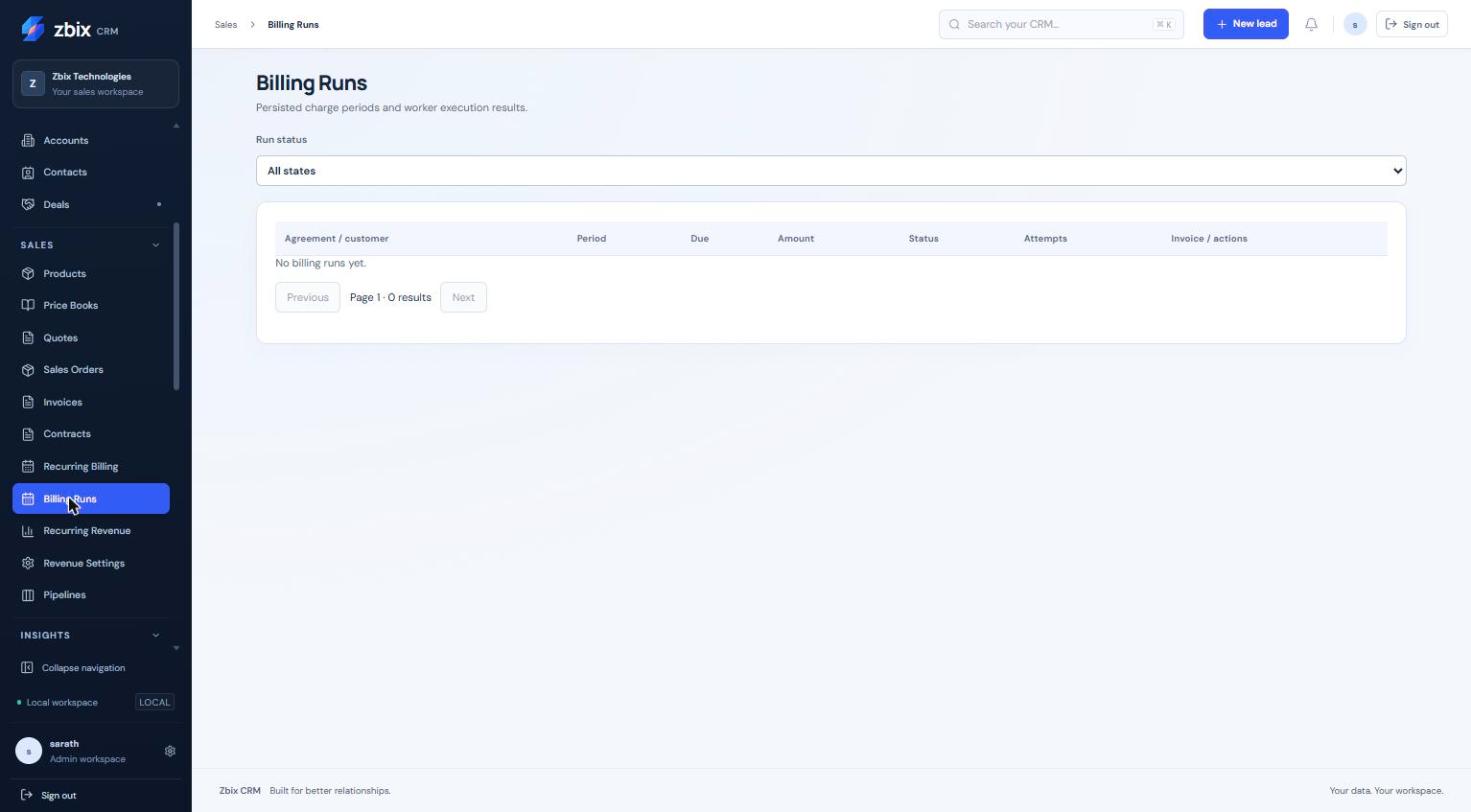
Important notes
Section titled “Important notes”-
Consolidated billing groups only compatible organization, customer, currency, period, date and invoice policy. Listed lines must succeed together.
-
Preview confirmation uses a fingerprint, so a changed financial preview cannot be treated as current.
-
Queueing is not immediate invoice issuance. The schedule mode and current operator authority determine the result.
-
A billing run is not payment settlement. Manual CRM payment records remain separate and require reconciliation.
-
A captured No billing runs yet state is a genuine empty result, not a missing screenshot.
Troubleshooting
Section titled “Troubleshooting”-
Run remains pending: inspect due time, active schedule and worker health.
-
Run fails: read its attempt message, correct source/access/configuration issues and queue only eligible work.
-
Preview has changed: reopen Preview billing group and review the current figures instead of submitting an old confirmation.
-
A run already has an invoice: follow Open Invoice; do not create a replacement by repeatedly queueing.
Related articles
Section titled “Related articles”Search the guides or talk to the ZBIX team.


Software products, application engineering and IT services from Zbix Technologies.
Visit our company website ↗